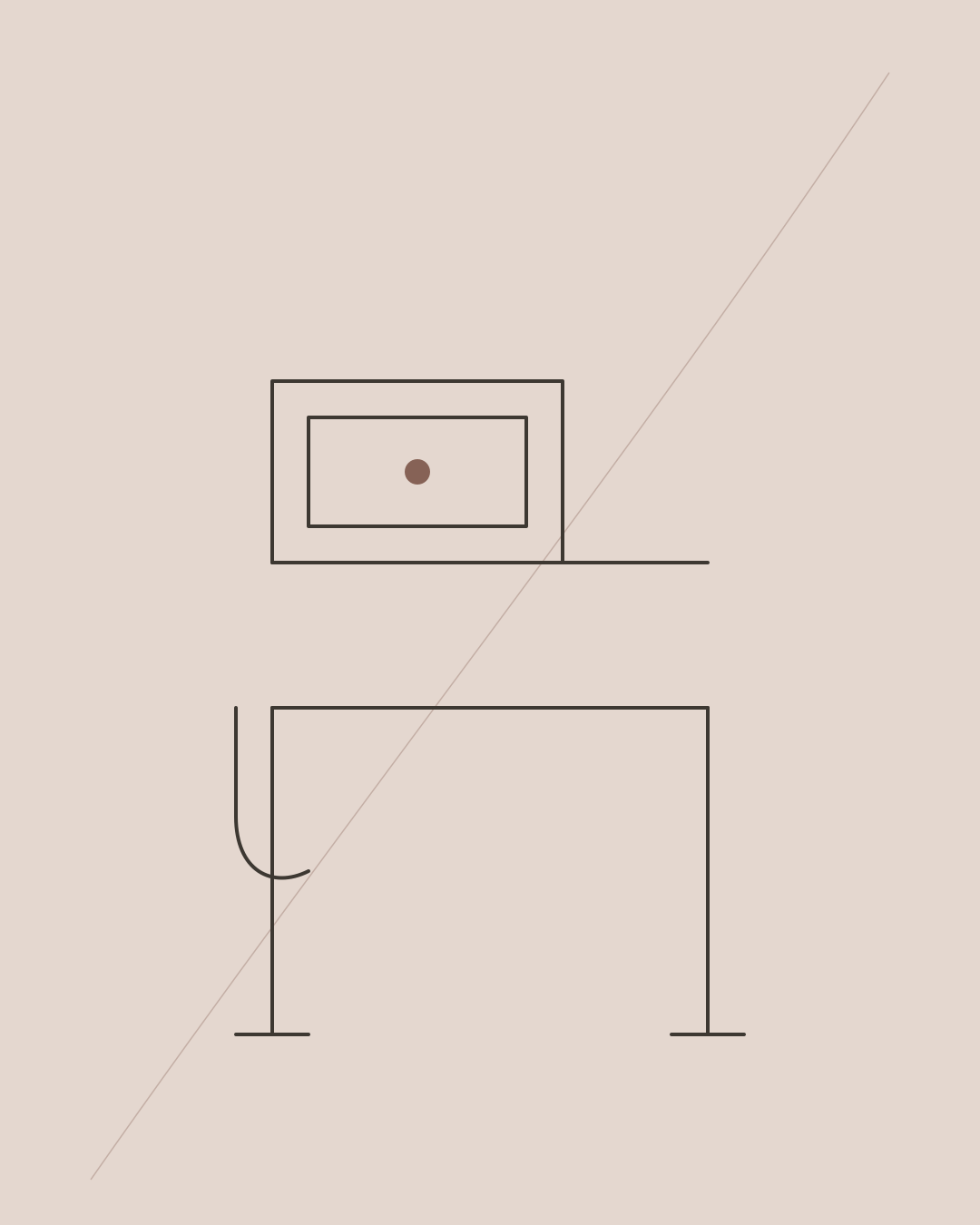
Set a standing desk so the keyboard is close to relaxed elbow height, shoulders remain down and wrists are broadly neutral. Position the main screen directly ahead, commonly with its top around eye level and at a comfortable viewing distance.
Setup order
- Stand in the footwear normally used.
- Relax the shoulders and bend the elbows naturally.
- Bring the keyboard to just below elbow height.
- Put the mouse beside the keyboard.
- Raise the monitor independently.
- Save the desk preset.
- Recheck after ten minutes of real work.
There is no universal centimetre value. Body proportions, keyboard thickness and footwear change the correct height. The same logic applies whether you are sitting or standing — see how the two relate in how high your desk and chair should be.
Screen position
An arm's length is a useful starting point, not a rule. Larger screens may sit farther away; progressive-lens users often need a lower display. Increase text size before leaning forwards.
Standing stance
Do not force symmetry or lock the knees. Shift weight, use a low foot rail briefly and walk between tasks. A mat may improve comfort on hard flooring but does not replace movement.
Sitting preset
Set the chair and keyboard relationship first, then support the feet. A standing desk that cannot descend to seated elbow height may still require a footrest or keyboard tray, and choosing the right chair matters too — see how to choose an office chair for back pain.
Common errors
A desk set too high produces raised shoulders; too low encourages sustained bending. A laptop raised for viewing needs an external keyboard and mouse. Monitor arms must have cable slack throughout desk travel.
Why height calculators disagree
Calculators estimate from population averages. Two people of the same height can have different lower-leg, torso and upper-arm lengths, while keyboards and shoes add their own thickness. Use a calculator to establish a starting range, then measure the working position.
Seated and standing measurement method
Place a book or straight edge beneath the relaxed elbow and measure to the floor. Subtract the height of the keyboard's working surface if setting the desktop itself. Repeat standing in normal footwear. Record both values beside the desk presets.
Work for twenty minutes before saving a final number. Raised shoulders suggest the surface is high; leaning forwards or resting excessive weight through the hands suggests it may be low or too far away.
Screen nuances
The top-at-eye-level rule works best as an initial setting for a conventional monitor. Large displays, bifocal or progressive lenses, and tasks concentrated near the bottom of the screen change the useful position. Keep the main content slightly below horizontal gaze and adjust text size before changing posture. If your current screen setup is the limiting factor, our roundup of monitor arms and laptop stands may help.
A better movement prompt
Instead of forcing a 30:30 schedule, link position changes to tasks: stand for a call, sit for precise writing, walk after completing a section. This makes variation easier to sustain.
Final answer
Use elbow height as the keyboard reference and eye level as a screen starting point. Save both presets only after working in them, and alternate before either position becomes tiring. If you are still choosing a frame, see our comparison of the best standing desks in the UK.
Frequently asked questions
Should elbows be exactly 90 degrees?
No. Comfort and relaxed shoulders matter more than an exact angle.
Should I stand barefoot?
Set the desk for the footwear you normally use; barefoot standing changes effective height and pressure.
Is standing better than sitting?
Neither is best indefinitely. Variation is the objective.
A desk, chair or walking pad can change exposure, but it cannot identify why pain persists. If symptoms are recurring or limiting work, read what recurring back pain may be missing or learn about back-pain assessment in Chelsea.
Ready to get started?
Message Amina on WhatsApp to check availability and request an appointment.
Message on WhatsApp