Set your chair high enough that the keyboard is just below elbow height, with shoulders relaxed and forearms roughly level. Then support your feet on the floor or a footrest. Finally, position the screen directly ahead, usually with its top around eye level and approximately an arm's length away.
There is no universally correct desk height. A common fixed desk may be too high for a shorter person and too low for a taller person, so adjust the person-to-task relationship rather than chasing one number.
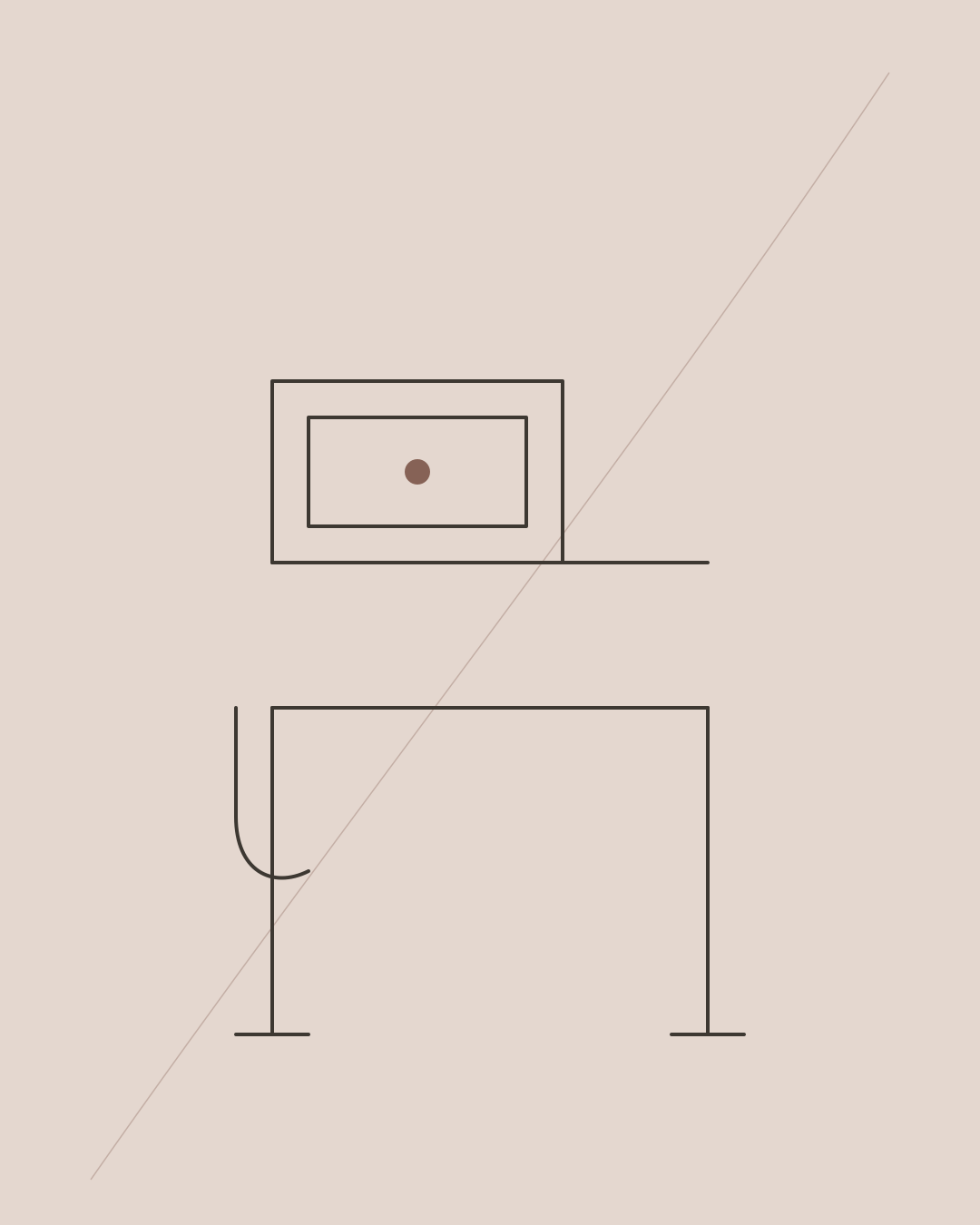
The correct setup order
- Move close to the desk and centre the keyboard.
- Raise or lower the chair until elbows sit near keyboard height.
- Support the feet and check pressure behind the thighs.
- Adjust backrest, lumbar support and seat depth.
- Bring keyboard and mouse within easy reach.
- Set screen height and distance.
- Test upright and reclined working positions.
This order follows the UK HSE principle of adjusting chair height for the arms, then addressing foot and screen support.
How high should the chair be?
Your shoulders should remain relaxed while your fingers reach the keyboard. Elbows are commonly near a right angle, but they do not need to be held at exactly 90 degrees.
The seat should not press firmly behind the knees. Leave a small comfortable gap between the seat edge and the back of the legs. If the desk forces the chair so high that the feet dangle, use a footrest.
Do not lower the chair merely to reach the floor if that makes you shrug the shoulders or bend the wrists upwards to type.
How high should the desk be?
For keyboard work, the effective work surface should be close to seated elbow height or slightly below it. The keyboard itself matters more than the nominal height of the desktop.
Fixed desks in the region of 720–740 mm are common, but that does not make this range correct for everyone. A thick desktop, keyboard tray or chair arm can change usable clearance.
With a height-adjustable desk, set the seated height after the chair. For standing work, raise the keyboard to around standing elbow height and keep the shoulders relaxed.
Where should the monitor be?
Place the main screen directly ahead. A useful starting point is approximately an arm's length away, with the top of the display around eye height. The most frequently viewed area should sit slightly below the horizontal line of sight.
This is a starting point, not a rule. People using progressive lenses often need a lower screen to avoid tipping the head backwards. A large display may also need to sit farther away.
Increase text size before pulling the head towards the screen. Manage glare and lighting as well as position.
Laptop setup
A laptop couples screen and keyboard, so it cannot usually place both at appropriate heights for sustained work.
For longer sessions:
- Raise the laptop on a stable stand.
- Use a separate keyboard and mouse.
- Keep the external devices close to the body.
- Ensure the stand supports the laptop's size and ventilation.
For brief mobile work, perfection is unrealistic. Change position and avoid turning a temporary setup into an eight-hour default.
Where should the mouse go?
Keep it beside the keyboard rather than reaching forwards or sideways. If you use the numeric keypad rarely, a compact keyboard can bring the mouse closer.
Support from the desk or armrest may reduce sustained shoulder effort, but the arm should still move freely. Avoid planting the wrist on a hard edge.
What about armrests?
Armrests should lightly support the forearms without lifting the shoulders. They must not prevent you approaching the desk.
If fixed arms hit the desktop, either lower them, remove them if designed for removal, or reassess chair and desk compatibility. Sitting far from the keyboard to clear armrests creates a new reach problem.
Dual-monitor setup
If one monitor is primary, centre it and place the secondary screen beside it. If both are used equally, place the join directly ahead and turn the whole chair rather than repeatedly twisting only the neck.
Very wide displays should keep the most frequently viewed content near the centre. No monitor arm can compensate for constantly looking far to one side.
Sitting versus standing height
Standing uses the same principle: keyboard near elbow height, screen directly ahead and weight free to shift. Do not lock the knees or treat standing as the healthy opposite of sitting.
Alternate based on comfort and task. Neither posture should be held indefinitely. Short walking and task-change breaks provide movement a static standing desk cannot.
Signs the setup needs changing
- Shoulders lift while typing.
- Wrists bend sharply upwards at the keyboard.
- Feet dangle or the seat edge presses behind the legs.
- You repeatedly crane towards the screen.
- The mouse requires a long sideways reach.
- You sit forward and lose backrest contact.
- The desk blocks thigh movement or chair arms.
Change one variable at a time and test it through normal work, rather than making every control different at once.
Does the correct desk height prevent pain?
A well-fitted setup can reduce avoidable reaching and pressure, but it does not guarantee freedom from neck or back pain. Systematic reviews find mixed or low-certainty results for workstation adjustments alone.
Workload, visual demand, sleep, stress, previous symptoms, physical activity and time without breaks can all influence discomfort. Ergonomics is one part of a broader approach.
A five-minute setup check
- Relax your shoulders and place fingers on the home row.
- Check that forearms are near level and wrists broadly neutral.
- Confirm both feet are supported.
- Sit back and check the seat edge.
- Look straight ahead: the primary screen should not require repeated neck bending or rotation.
- Bring the mouse closer.
- Recline slightly and confirm the equipment remains reachable.
Final answer
The correct chair and desk height is the one that places the keyboard near relaxed elbow height while the feet and thighs remain supported. Set the chair for the arms, add a footrest if necessary, and position the monitor last.
Numbers are secondary to fit. A measuring tape can give you a repeatable setting, but comfort across several positions is the real test.
Frequently asked questions
Is a 73 cm desk too high?
It is common, but may be too high for a shorter user unless the chair is raised and a footrest added. Judge it against seated elbow height.
Should my chair arms fit under the desk?
They should not prevent you getting close to the keyboard. Adjustable arms can sit level with or beneath the work surface depending on how the forearms are supported.
Should knees be exactly 90 degrees?
No. A comfortable range is more useful than forcing an exact angle. Feet should be supported and the seat edge should not compress the backs of the legs.
How high should a standing desk be?
Start with the keyboard close to relaxed standing elbow height. Then set the monitor independently and change position regularly.
A chair or desk accessory can reduce an aggravating factor, but it cannot identify why pain persists. If symptoms are recurring or limiting work, read what recurring back pain may be missing, see how a footrest can help, or learn about neck-pain assessment in Chelsea.
Ready to get started?
Message Amina on WhatsApp to check availability and request an appointment.
Message on WhatsApp